Start here
Watch on YouTube
Client Onboarding
Learn how to join NeuroEstates and get your client workspace ready.
These tutorials help agents, clients, and partners understand things quickly. This page shows the real flows: how requests move, how agents respond, how listings become trusted, and how everything stays coordinated.
Short, practical walkthroughs for getting started and asking a professional for help.
Learn how to join NeuroEstates and get your client workspace ready.
See how to send a structured property request to the right professional.
Each card focuses on one important flow, explained in clear business language instead of feature-heavy language.
See how clients, AI, agents, admins, and the marketplace fit together.
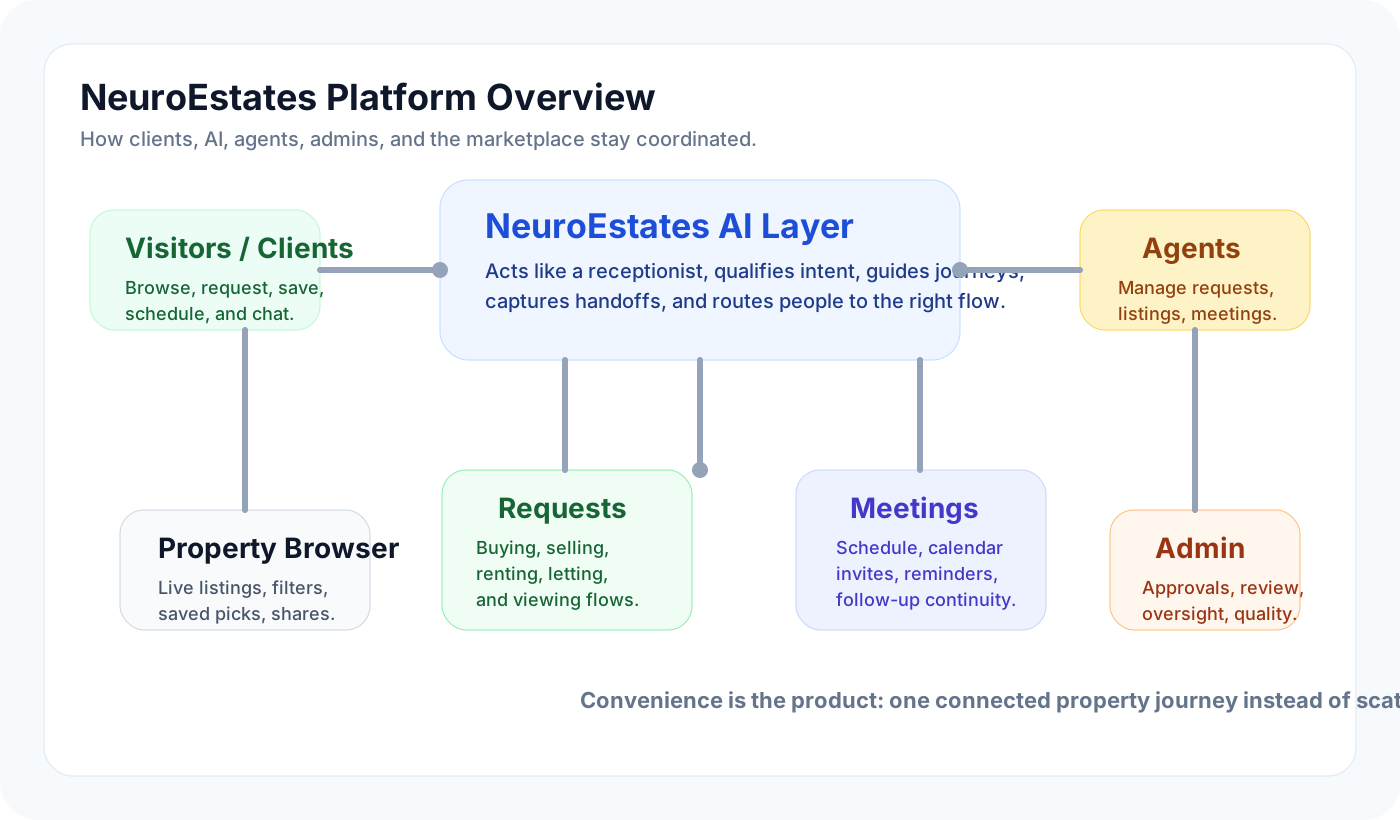
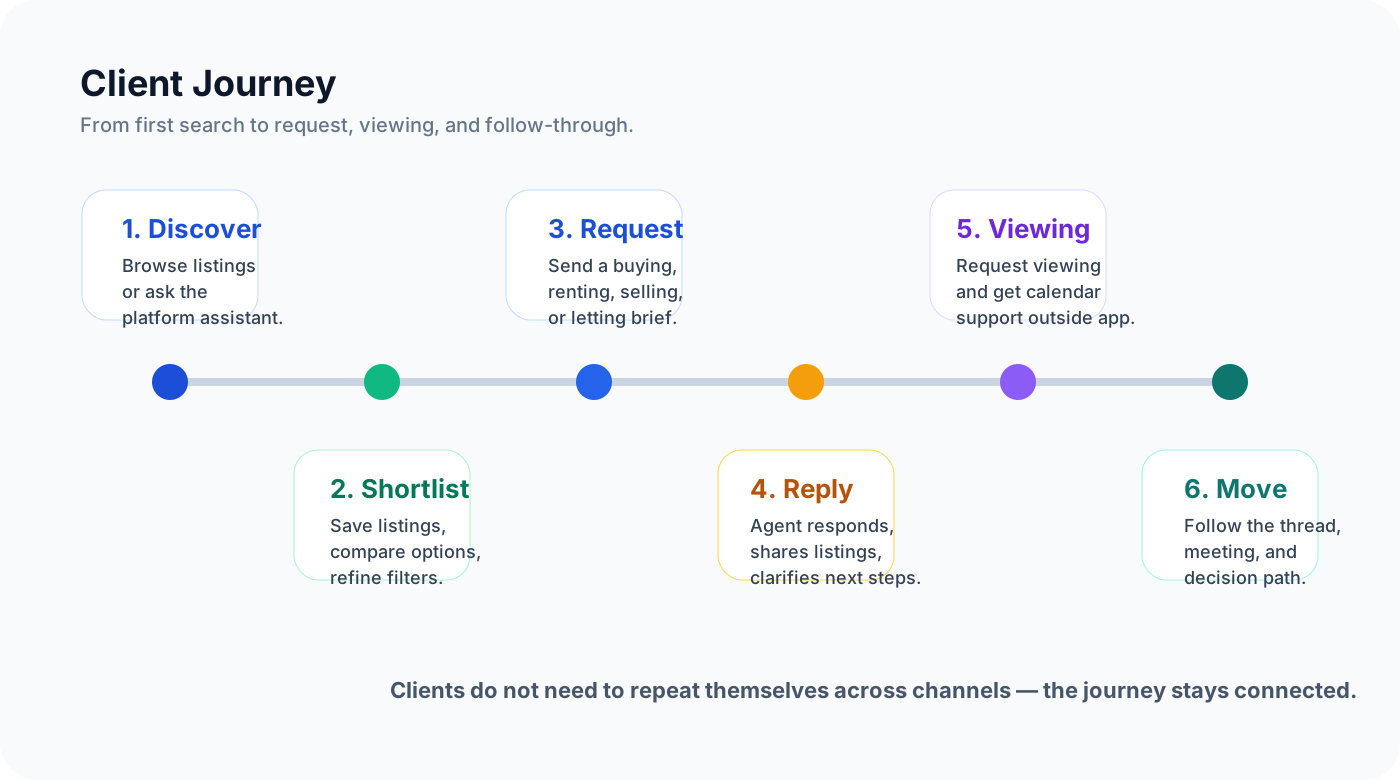
Follow the path from browsing to request, viewing, and next decision.
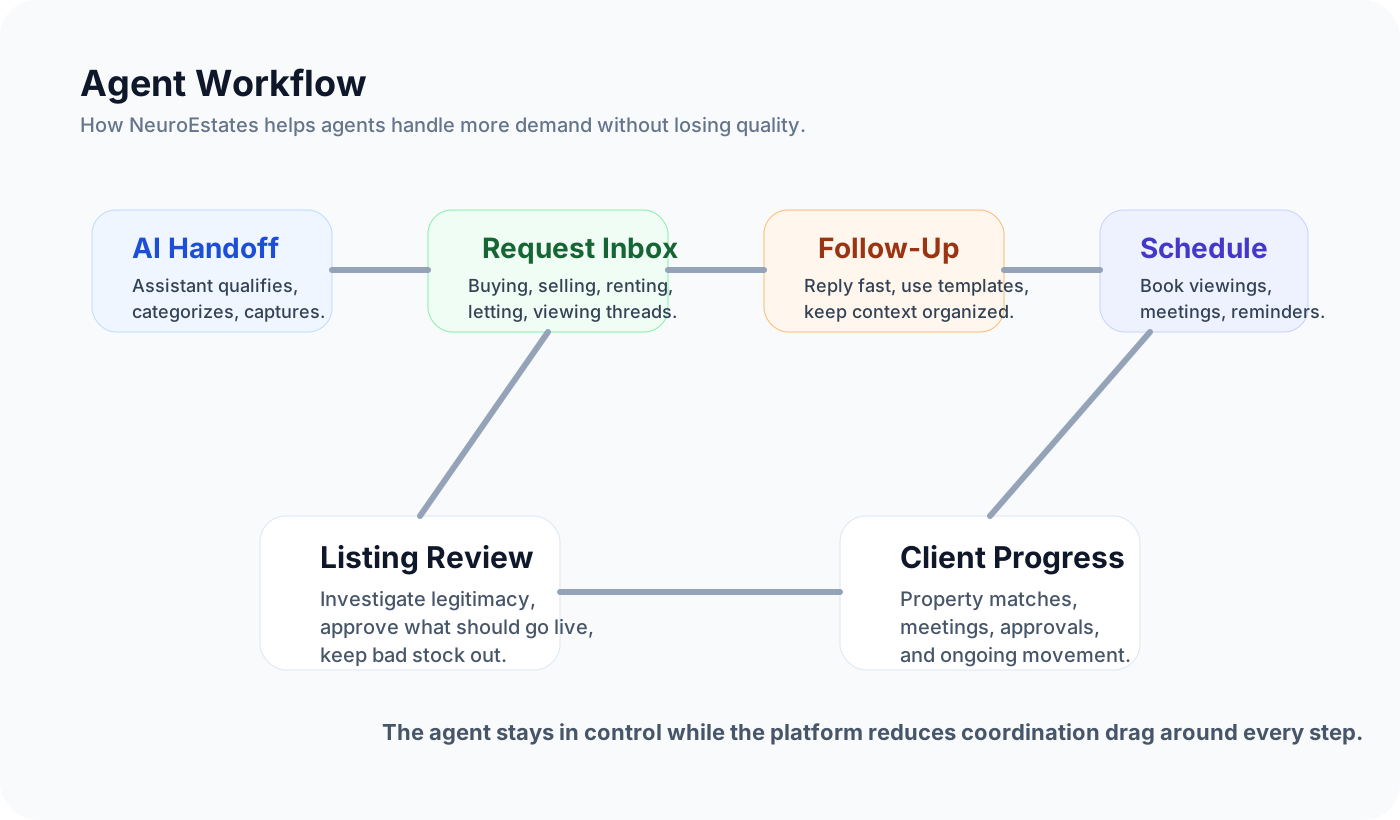
Understand how agents handle handoffs, requests, meetings, and follow-up.
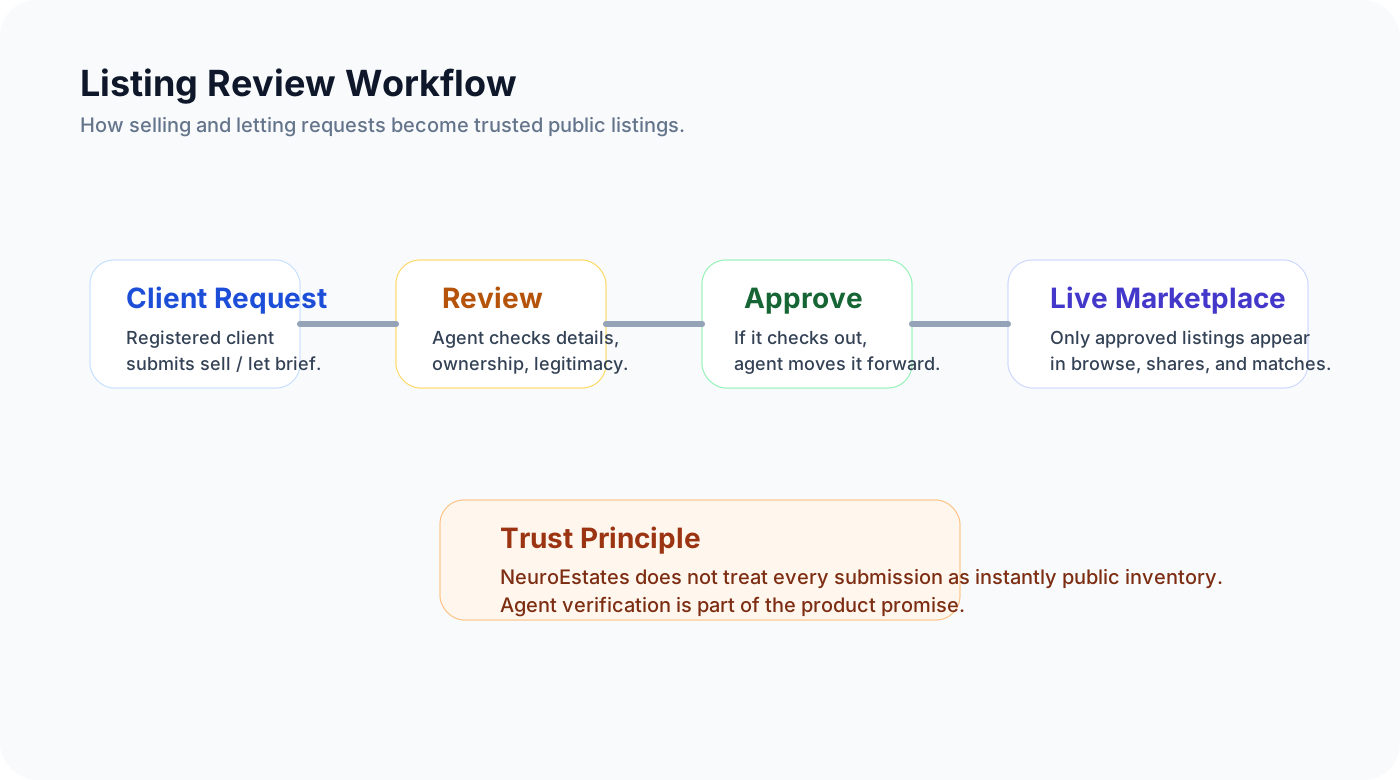
See how selling and letting requests become trusted live listings.
There is no need to wait for long-form video content. These visuals are already practical across sales, onboarding, and support.
Open one diagram while speaking with a new agent or partner and walk the flow live without losing momentum.
Drop the diagrams into presentations so the business model and workflow structure feel tangible, not abstract.
Turn each diagram into a shareable explainer for WhatsApp, email, and lightweight help content.
These slides also work well for Instagram, LinkedIn, outreach decks, or short narrated explainers.
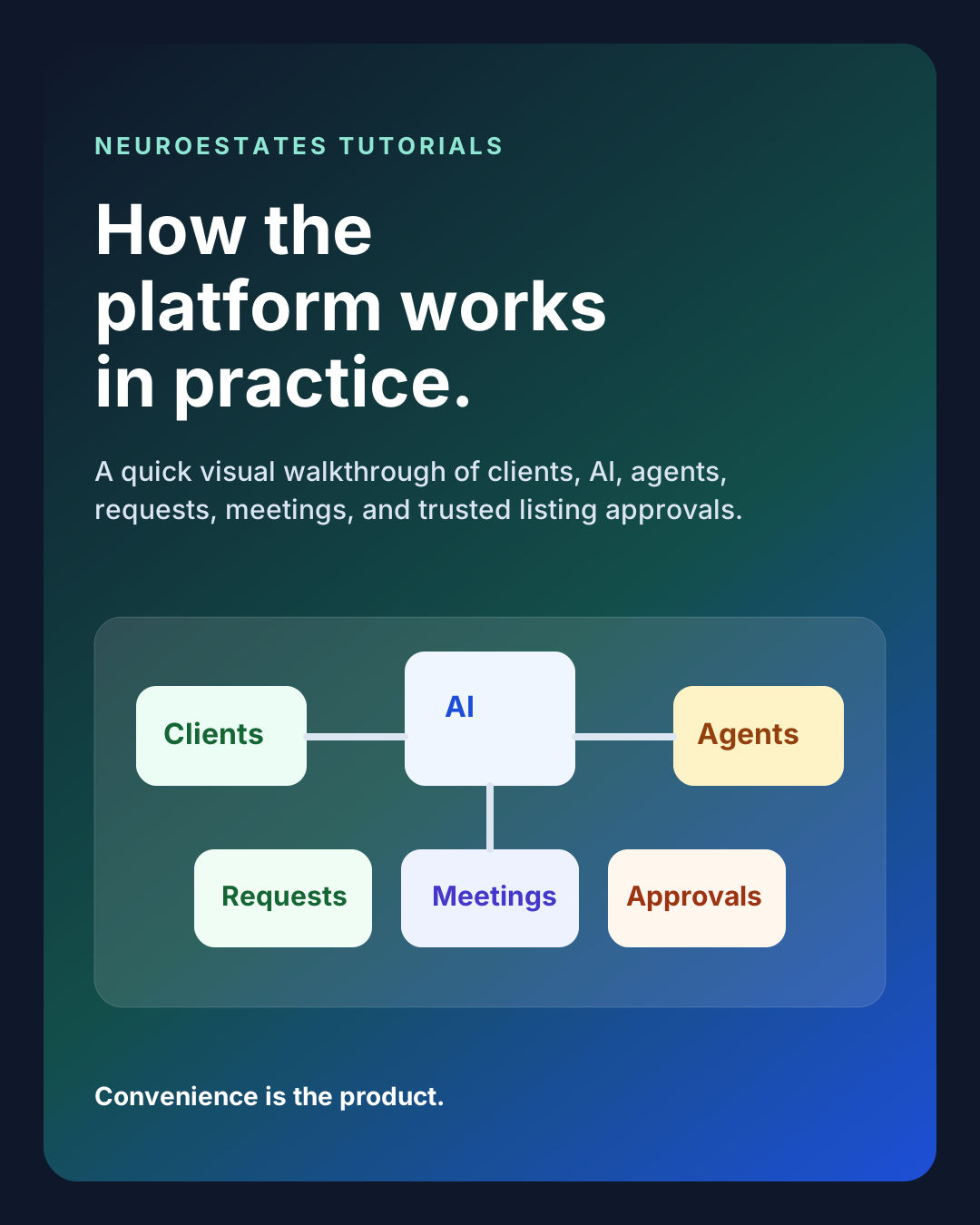 Slide 1 - Intro
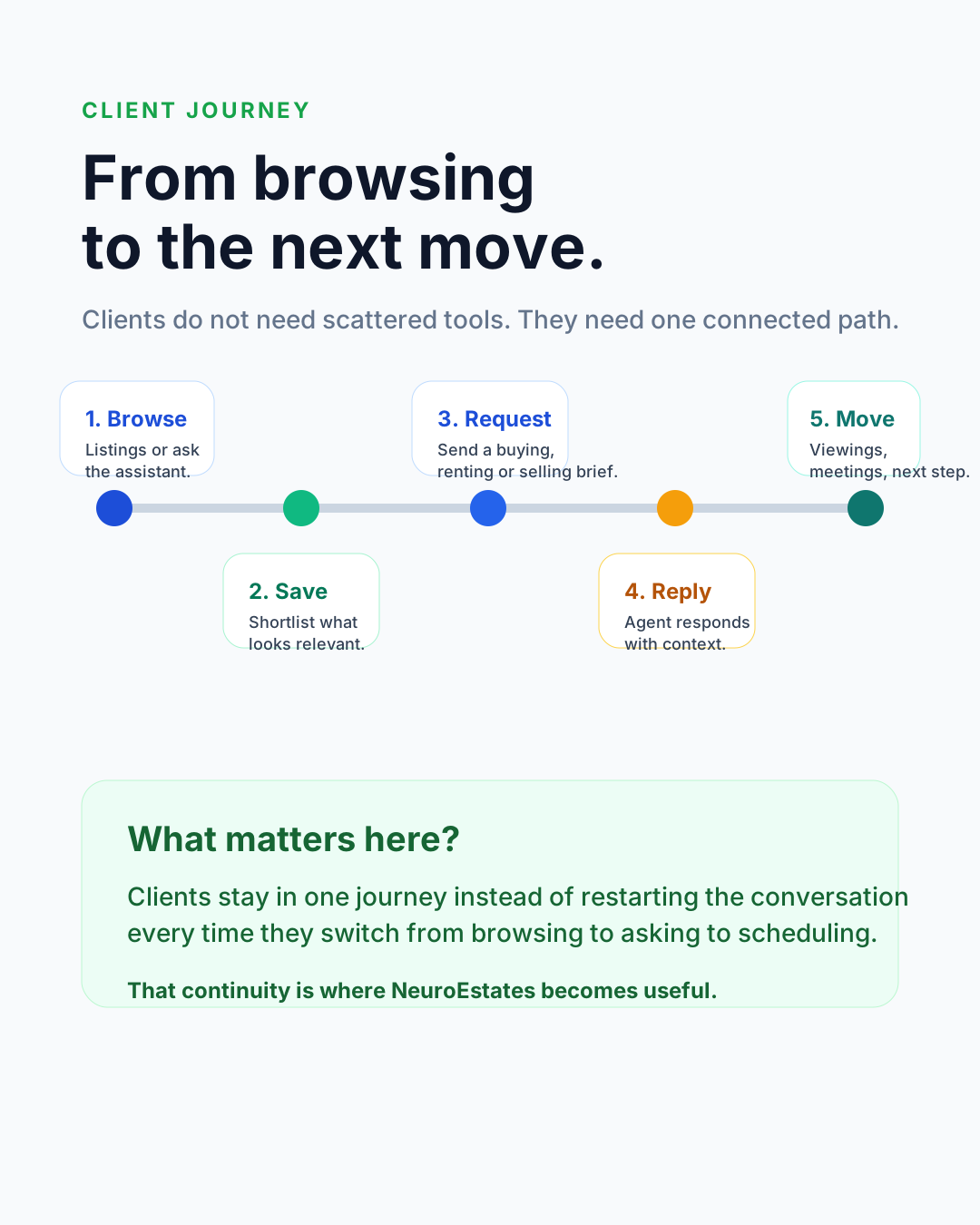 Slide 2 - Client journey
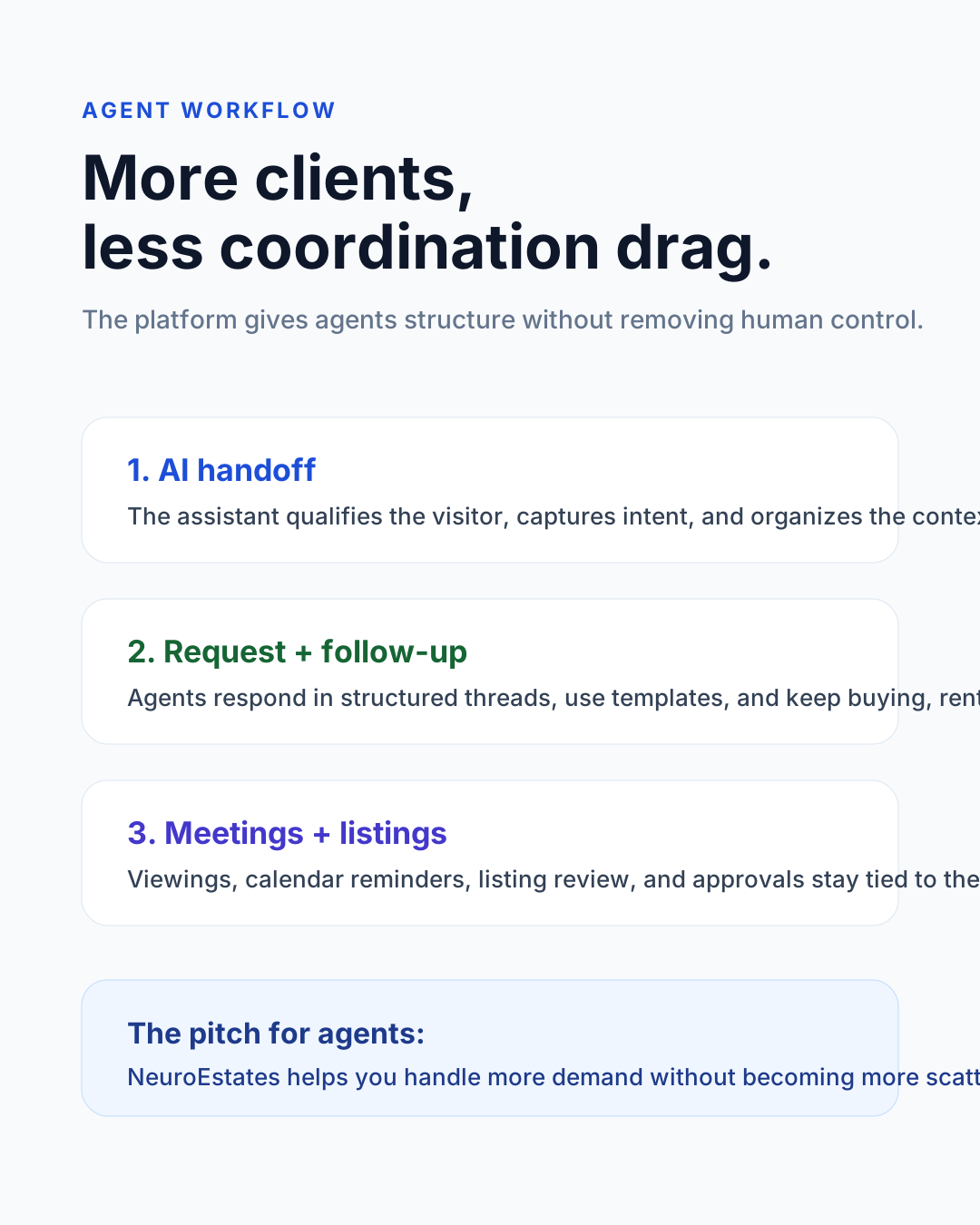 Slide 3 - Agent workflow
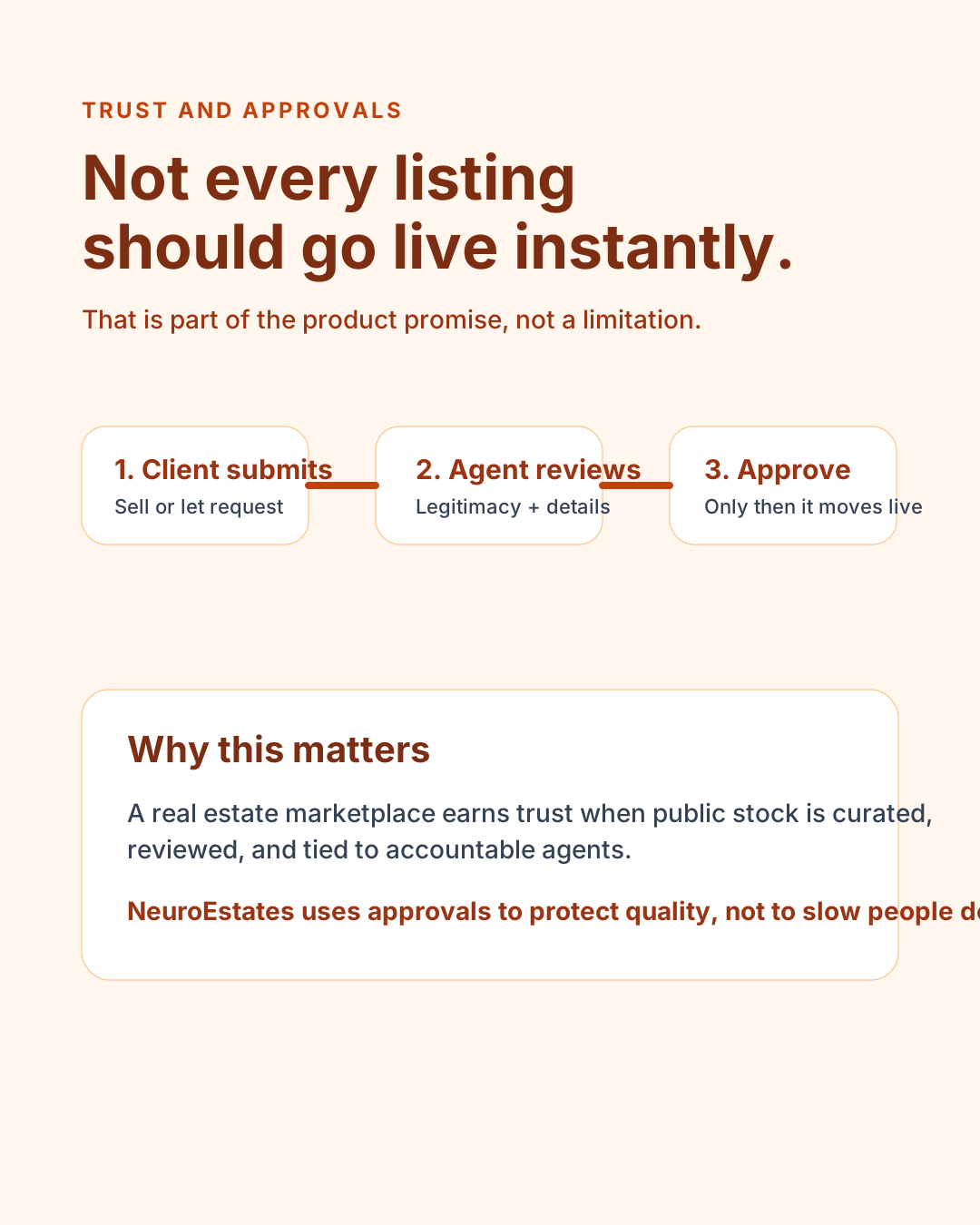 Slide 4 - Trust and approvals
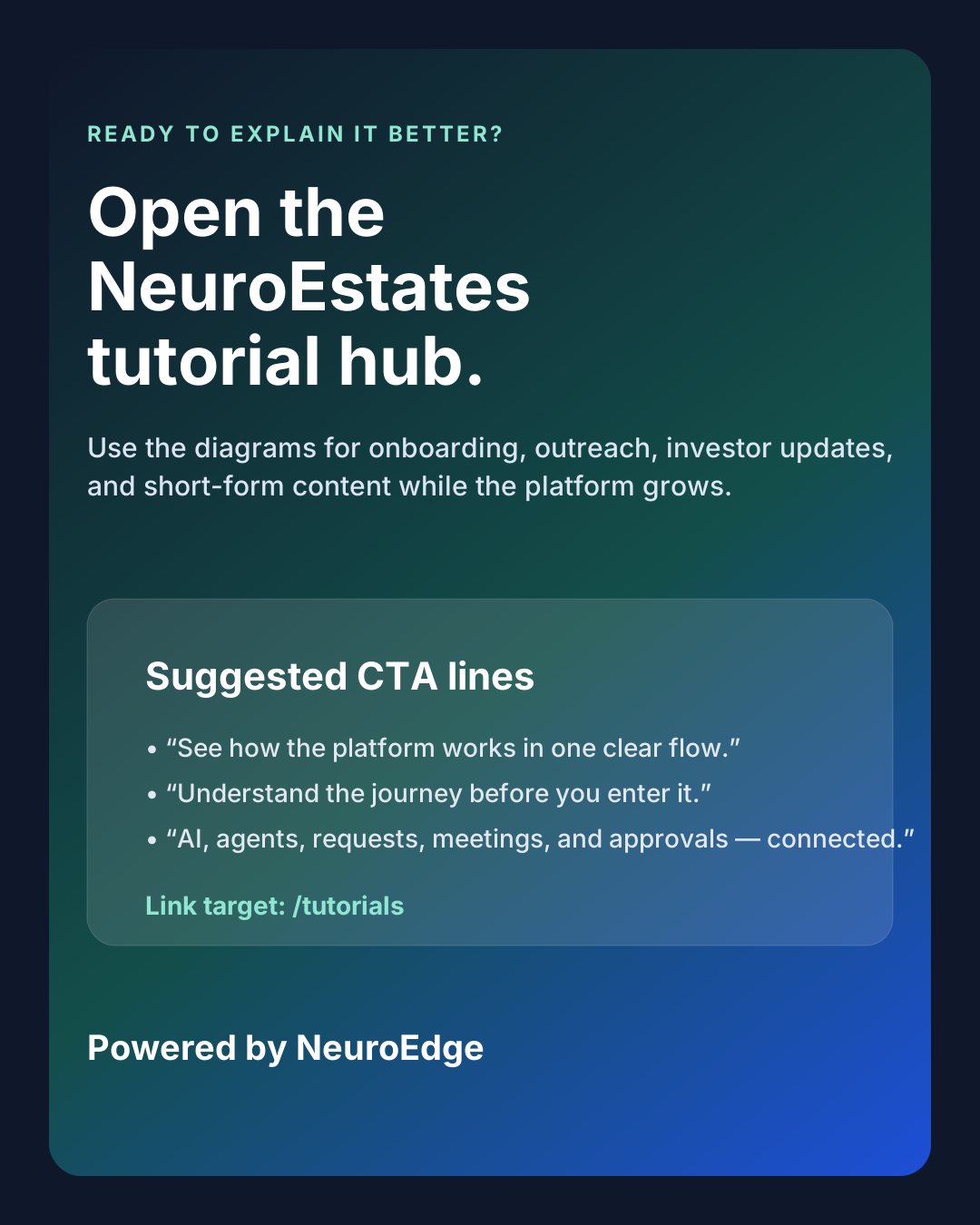 Slide 5 - Call to action